 66261231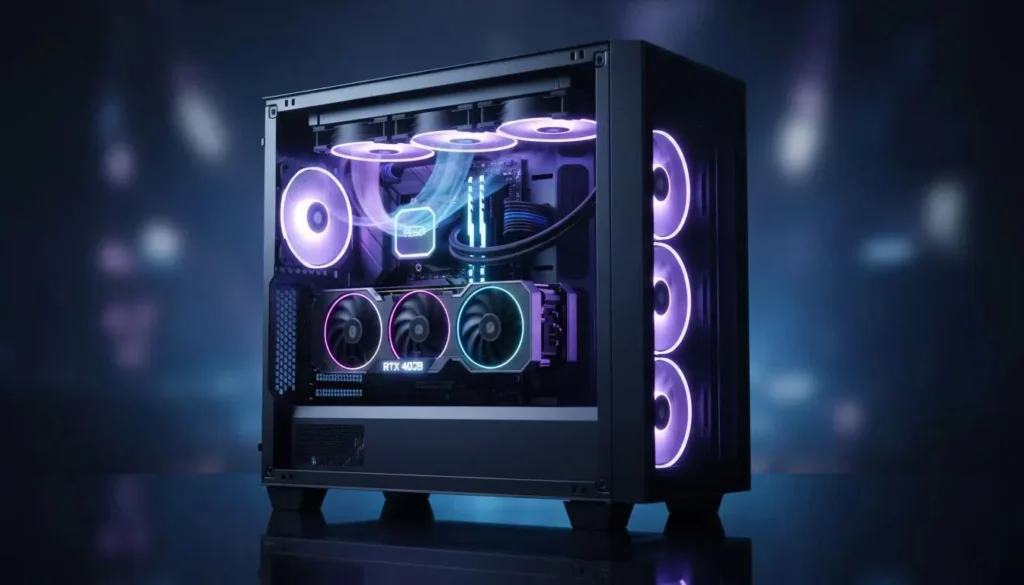
Best Airflow Setup for Gaming PC
Proper airflow is one of the most important factors in keeping a gaming PC cool and performing at its best.
Many gamers spend money on expensive hardware but ignore airflow optimization inside the case. Poor airflow can lead to:
- Higher CPU and GPU temperatures
- Loud fan noise
- FPS drops
- Thermal throttling
- Reduced hardware lifespan
In Qatar, where room temperatures can already be high, airflow becomes even more important for gaming PCs and high-performance systems.
In this guide, we’ll explain how to create the best airflow setup for your gaming PC and avoid common cooling mistakes.
What Is PC Airflow?
Airflow refers to how cool air enters the PC case and how hot air exits it.
A proper airflow setup helps:
- Remove hot air efficiently
- Keep components cool
- Reduce dust accumulation
- Improve gaming performance
Without proper airflow, hot air becomes trapped inside the case and temperatures rise quickly.
Intake vs Exhaust Fans
Intake Fans
Intake fans pull cool air into the case.
They are usually installed at:
- The front of the case
- The bottom of the case
These fans bring fresh air toward the GPU and CPU.
Exhaust Fans
Exhaust fans push hot air out of the case.
They are commonly installed at:
- The rear
- The top of the case
Because hot air naturally rises, top exhaust fans are highly effective.
Best Fan Configuration for Gaming PCs
Front Intake + Rear Exhaust
This is the most common and effective airflow setup.
Recommended Layout
- Front fans → Intake
- Rear fan → Exhaust
- Top fans → Exhaust
This creates smooth airflow through the case.
Positive vs Negative Air Pressure
Positive Air Pressure
More intake airflow than exhaust.
Benefits
- Less dust buildup
- Better airflow control
This setup is recommended for most gaming PCs in Qatar.
Negative Air Pressure
More exhaust airflow than intake.
Problems
- Pulls dust through small openings
- Can increase dust accumulation
Common Airflow Mistakes
Incorrect Fan Direction
Installing fans backward is one of the most common mistakes.
Always ensure:
- Front fans pull air IN
- Rear/top fans push air OUT
Cable Clutter
Poor cable management blocks airflow inside the case.
Organizing cables improves cooling efficiency significantly.
Small or Closed Cases
Compact cases with restricted ventilation trap heat more easily.
High-performance gaming PCs benefit from high-airflow cases.
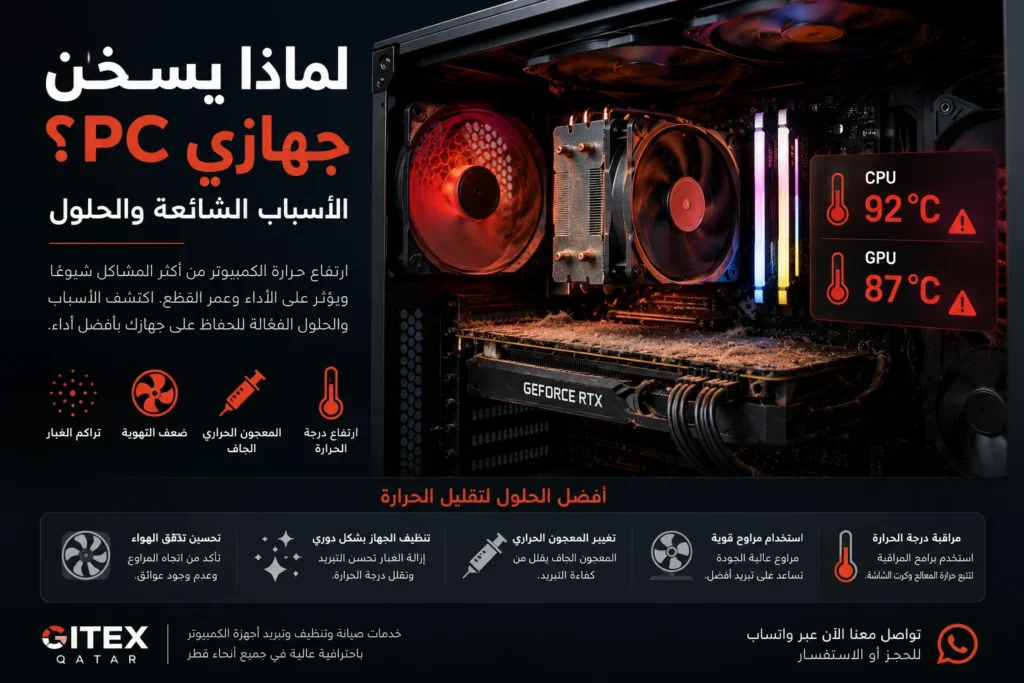
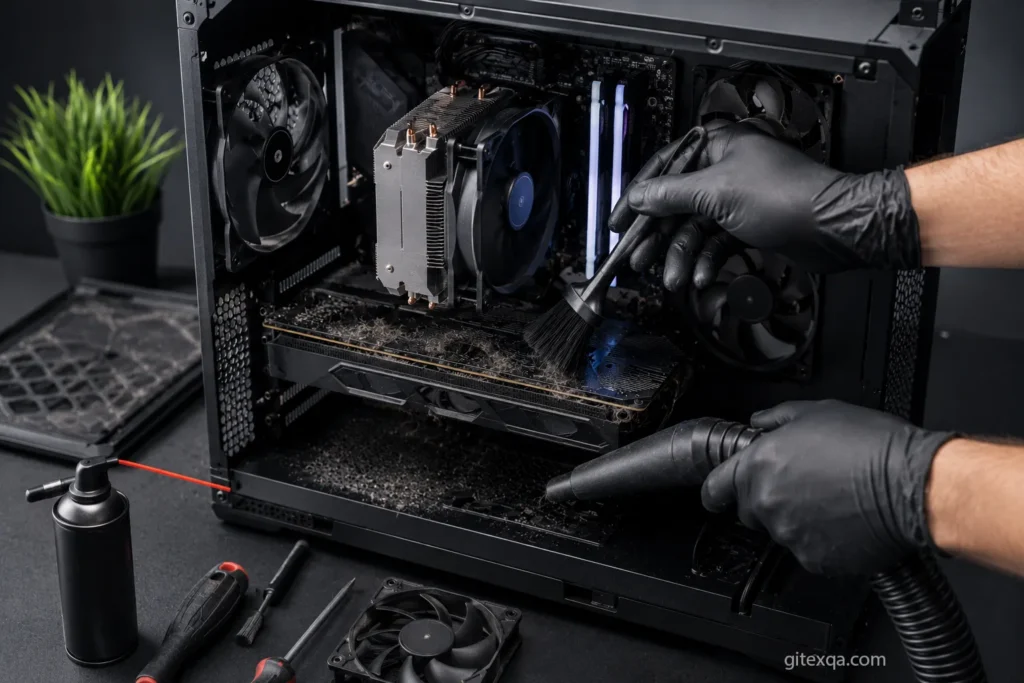
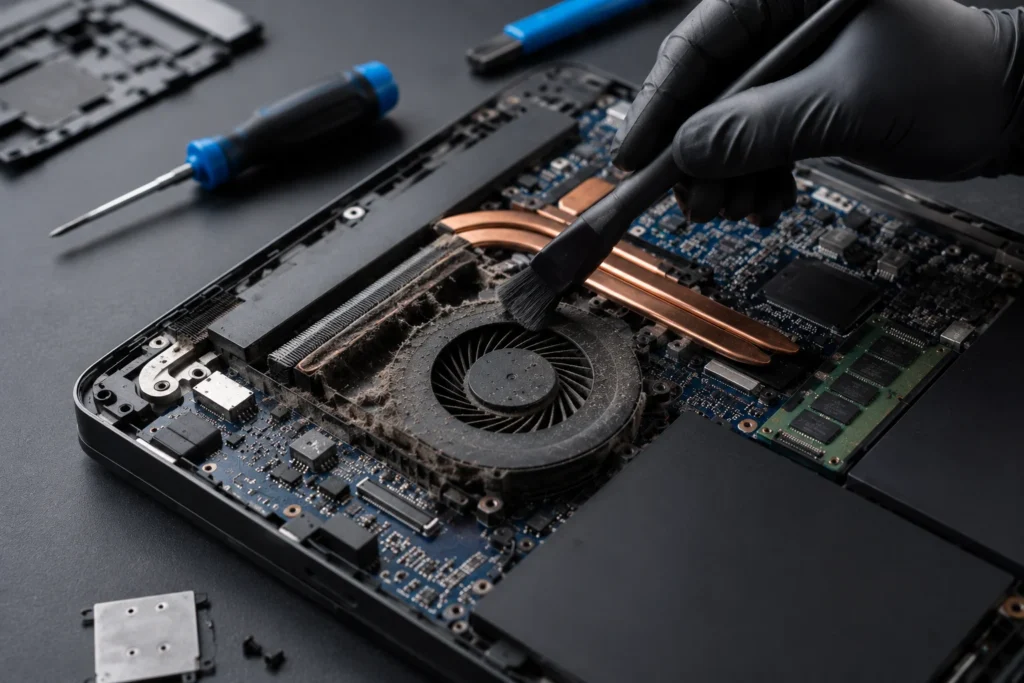
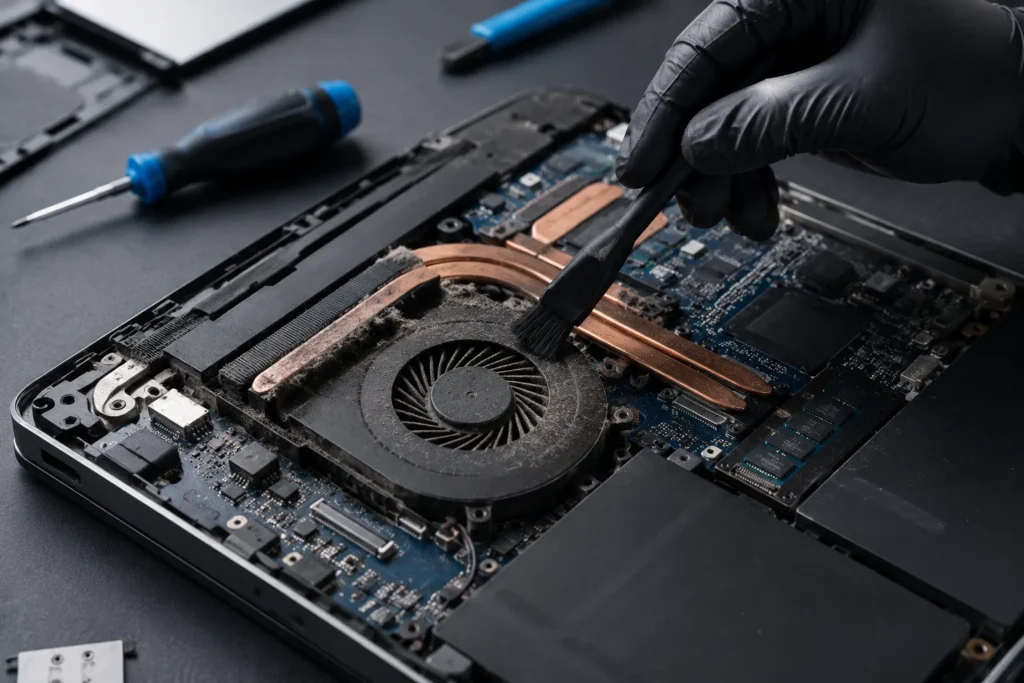
Dust Build-Up
Dust blocks fans and radiators, reducing cooling performance.
Regular deep cleaning is essential.
How Airflow Affects Gaming Performance
Poor airflow increases temperatures.
When temperatures rise too high:
- CPUs reduce clock speed
- GPUs throttle performance
- FPS becomes unstable
Good airflow helps maintain:
- Stable FPS
- Lower temperatures
- Better system stability
Should You Use Air Cooling or Liquid Cooling?
Air Cooling
Advantages:
- Reliable
- Affordable
- Easy maintenance
Modern air coolers perform very well for most gaming PCs.
Liquid Cooling
Advantages:
- Better cooling for high-end systems
- Lower temperatures under heavy load
- Cleaner aesthetic
Recommended for:
- High-performance gaming PCs
- Overclocked systems
- Heavy rendering workloads
How Often Should You Clean PC Fans?
In Qatar, dust accumulates faster than in many regions.
Recommended cleaning:
- Every 3–6 months for gaming PCs
- More frequently in dusty environments
Regular cleaning improves airflow and cooling performance.
Professional Airflow Optimization in Qatar
At Gitex Qatar, we provide:
- Gaming PC airflow optimization
- Fan installation and replacement
- Deep cleaning services
- Thermal paste replacement
- Cooling system upgrades
- Gaming PC diagnostics
- Liquid cooling inspection
With professional support and fast service across Qatar.
Frequently Asked Questions
Does airflow really affect FPS?
Yes. Lower temperatures help maintain stable CPU and GPU performance.
Are more fans always better?
Not necessarily. Proper placement matters more than simply adding more fans.
Is liquid cooling necessary for gaming?
Not always. Many gaming PCs perform perfectly with high-quality air cooling.
Can poor airflow damage components?
Long-term overheating can reduce hardware lifespan and stability.
Contact Us
If your gaming PC suffers from high temperatures or poor airflow, contact Gitex Qatar for professional cooling optimization and deep cleaning services in Qatar.
Visit our website:
Gitex Qatar