 66261231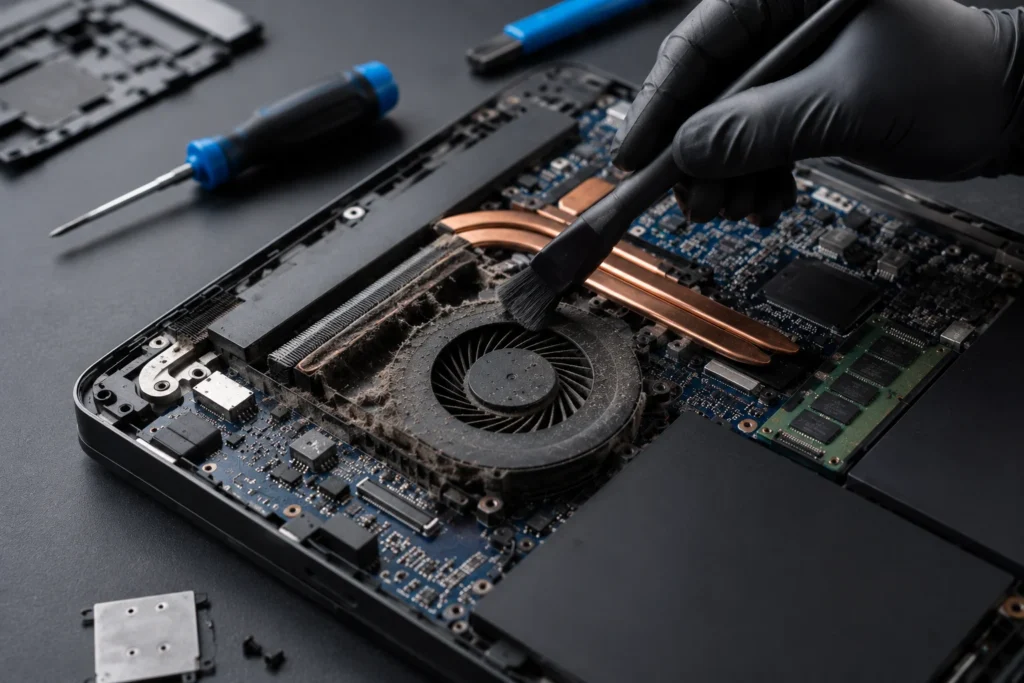
Laptop internal cleaning in qatar
When Should You Clean Your Laptop Internally?
Many laptop users only think about cleaning their device when it starts overheating or slowing down. However, internal laptop cleaning is one of the most important maintenance steps to keep your device running efficiently and extend its lifespan.
In Qatar, dust and heat can build up inside laptops much faster than expected, especially for devices used daily for work, gaming, studying, or editing.
In this guide, we’ll explain when your laptop needs internal cleaning, the signs to watch for, and how professional cleaning can improve performance.
Why Internal Laptop Cleaning Is Important
Your laptop cooling system constantly pulls air inside the device to cool the processor and internal components.
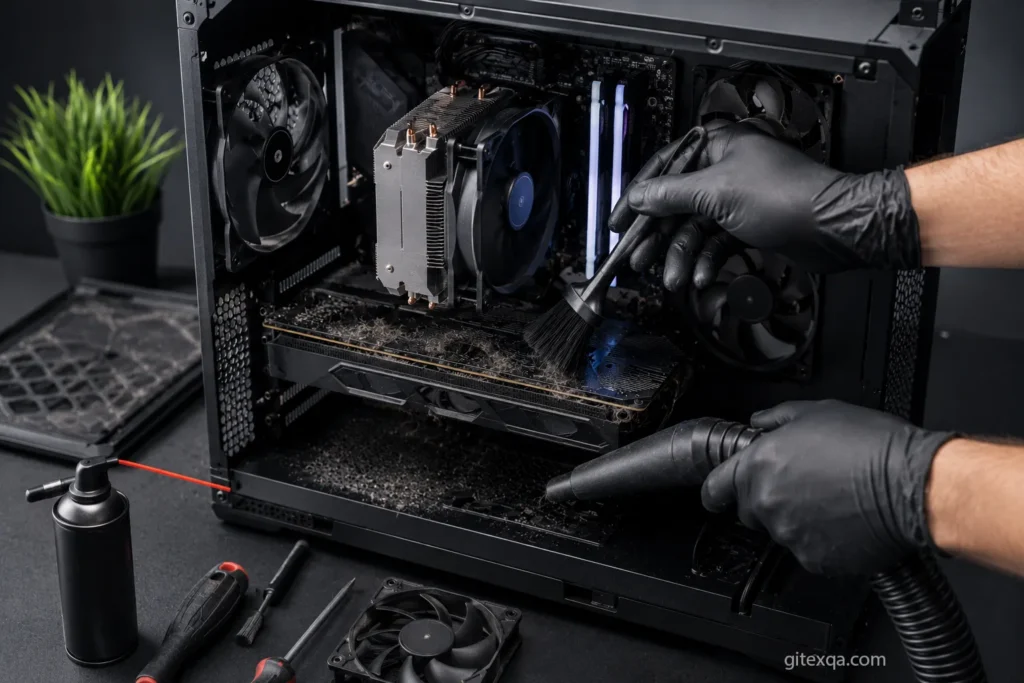
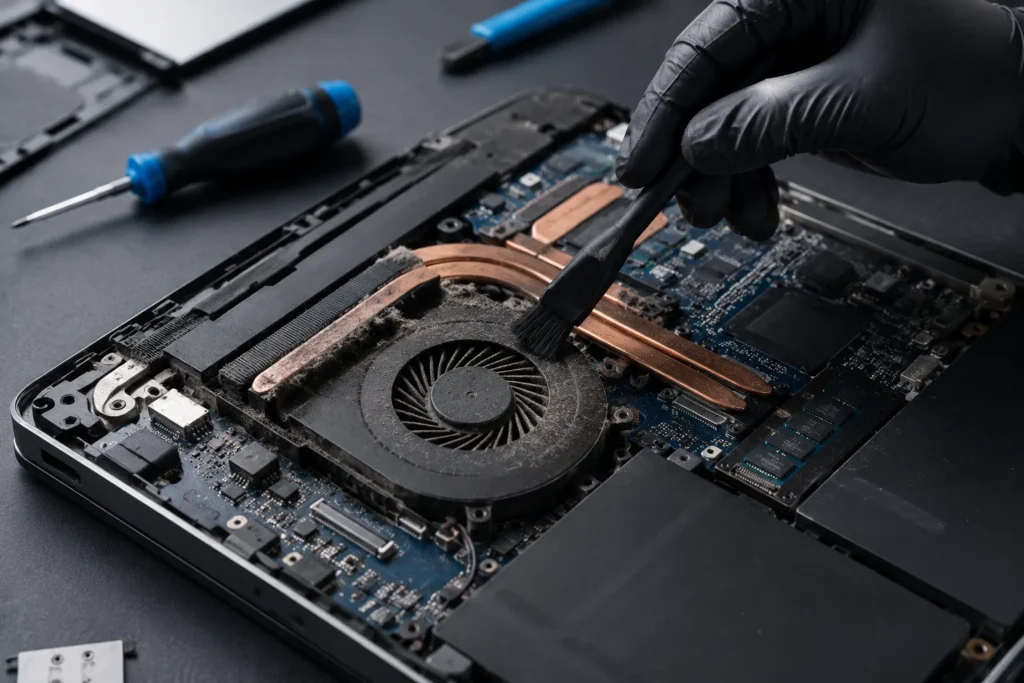
Over time, dust accumulates inside:
- Cooling fans
- Air vents
- Heat sinks
- Motherboard areas
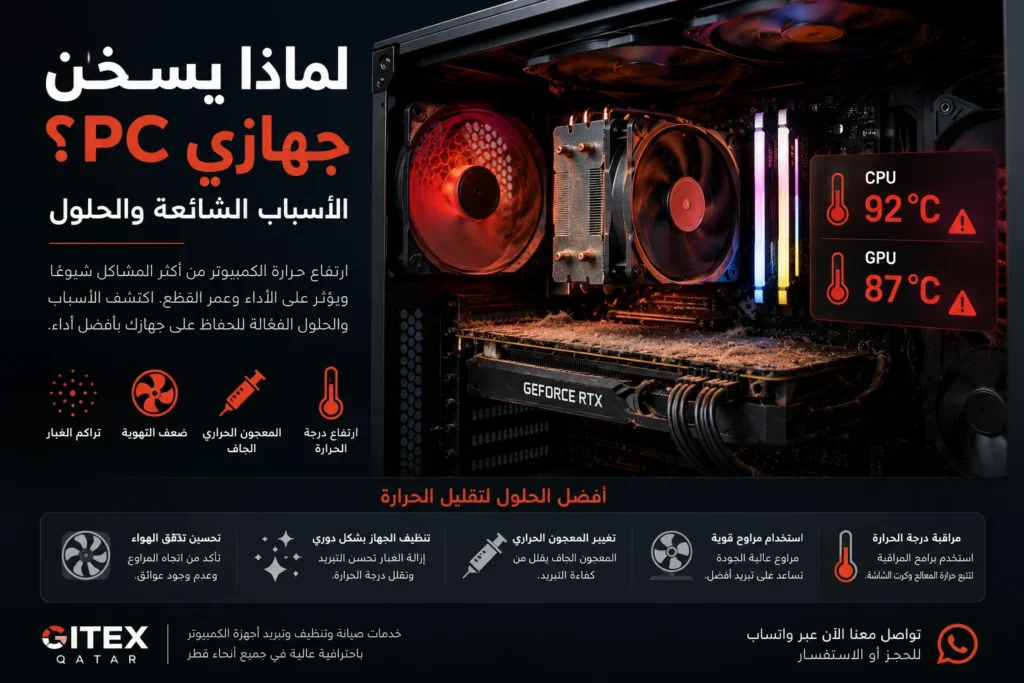
This blocks airflow and traps heat inside the laptop.
If ignored for too long, it can lead to:
- Overheating
- Slow performance
- Loud fan noise
- Sudden shutdowns
- Reduced battery life
- Hardware damage
Signs Your Laptop Needs Internal Cleaning
1. The Laptop Gets Hot Very Quickly
If your laptop becomes hot after only a short time of use, dust buildup may be blocking the cooling system.
This is one of the most common issues we see in Qatar due to dusty environments and high temperatures.
2. Loud Fan Noise
When fans are covered with dust, they work harder to push air through the system.
This usually causes:
- Constant fan noise
- Loud spinning sounds
- Fans running at maximum speed
If the fan sounds unusually loud even during simple tasks, your laptop likely needs cleaning.
3. Slow Performance and Lagging
High temperatures force the processor to reduce performance to protect itself.
As a result, you may notice:
- Slow startup times
- Freezing
- Lag during multitasking
- Poor gaming performance
Many users think their laptop is old, when in reality it simply needs proper cleaning.
4. Sudden Shutdowns
If your laptop randomly shuts down while working or gaming, overheating could be the reason.
Modern laptops automatically power off when temperatures become dangerously high.
5. The Laptop Feels Hot Even During Light Use
If browsing the internet or watching videos causes noticeable heat, the airflow system may already be clogged with dust.
How Often Should You Clean Your Laptop Internally?
This depends on usage and environment.
Recommended Cleaning Frequency
Every 6 Months
Recommended for:
- Gaming laptops
- Heavy daily users
- Hot environments
- Dusty areas
Every 12 Months
Recommended for:
- Office use
- Moderate usage
- Clean indoor environments
In Qatar, many devices benefit from cleaning every 6–8 months because of dust and climate conditions.
What Happens During Professional Laptop Cleaning?
Professional internal cleaning usually includes:
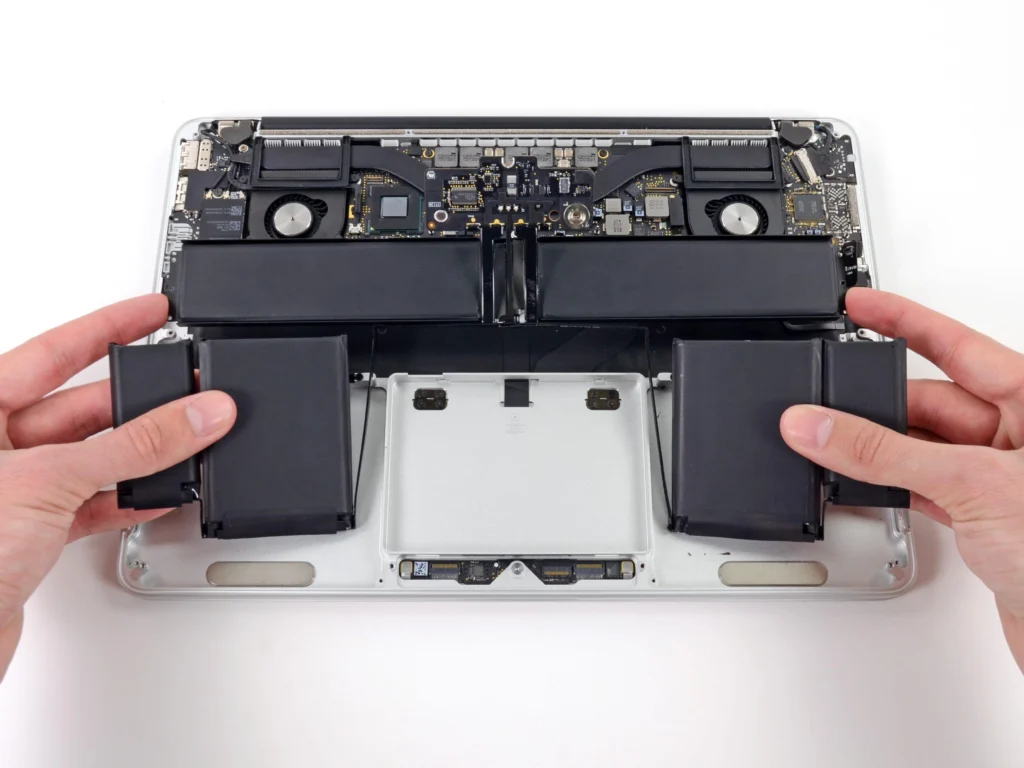
- Opening the laptop safely
- Removing internal dust
- Cleaning fans and heat sinks
- Replacing thermal paste if necessary
- Testing cooling performance
- Checking fan health
This process helps restore proper airflow and reduce temperatures.
Can You Clean a Laptop Yourself?
Basic external cleaning is safe for most users.
However, internal cleaning can be risky if done incorrectly.
Opening the device without experience may cause:
- Broken clips
- Damaged fans
- Cable damage
- Static electricity damage
For this reason, professional cleaning is recommended, especially for MacBooks and thin laptops.
Benefits of Internal Laptop Cleaning
After professional cleaning, users often notice:
- Lower temperatures
- Better performance
- Faster speed
- Quieter fans
- Improved gaming performance
- Longer hardware lifespan
Regular maintenance can also help prevent expensive repairs in the future.
Laptop Cleaning Services in Qatar
At Gitex Qatar, we provide professional laptop cleaning services for:
- Windows laptops
- Gaming laptops
- MacBooks
- Business laptops
- High-performance workstations
Our services include:
- Internal dust cleaning
- Fan cleaning
- Thermal paste replacement
- Cooling system inspection
- Fast diagnostics
With quick support and WhatsApp assistance across Qatar.
Frequently Asked Questions
Is internal laptop cleaning necessary?
Yes. Dust buildup reduces cooling efficiency and can damage internal components over time.
Does cleaning improve laptop speed?
Yes. Lower temperatures often improve performance and reduce lag.
How long does laptop cleaning take?
In most cases, professional cleaning can be completed within the same day.
Is thermal paste replacement included?
It depends on the laptop condition, but it is highly recommended if the device overheats.
Contact Us
If your laptop is overheating, noisy, or running slowly, contact Gitex Qatar for professional internal cleaning and repair services.
Visit our website:
https://gitexqa.com