 66261231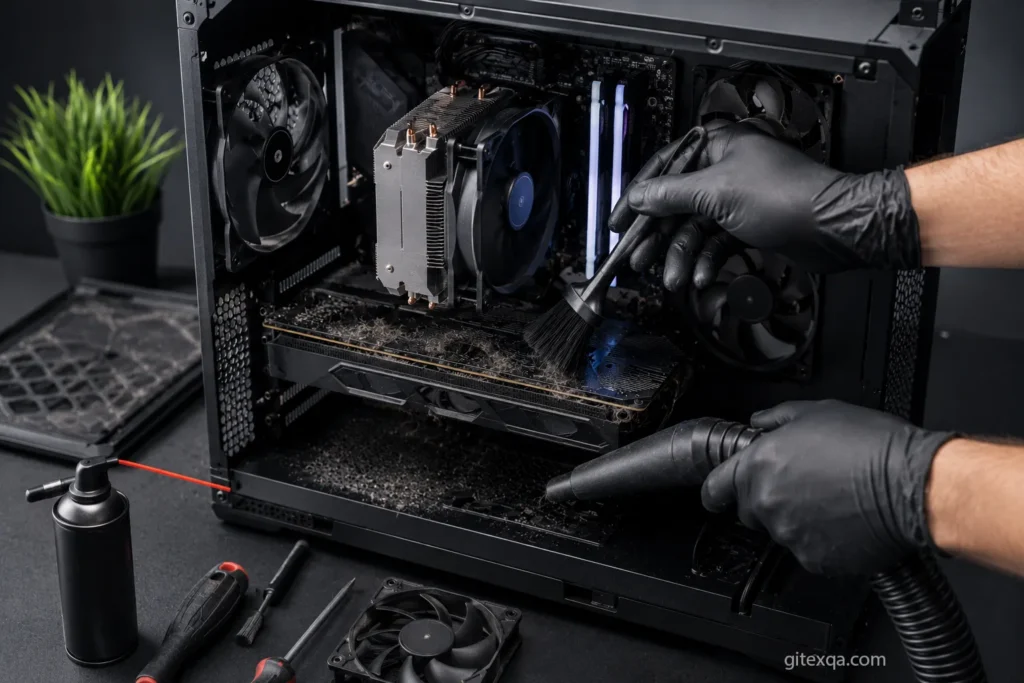
Deep Cleaning Your Gaming PC: Why It Matters
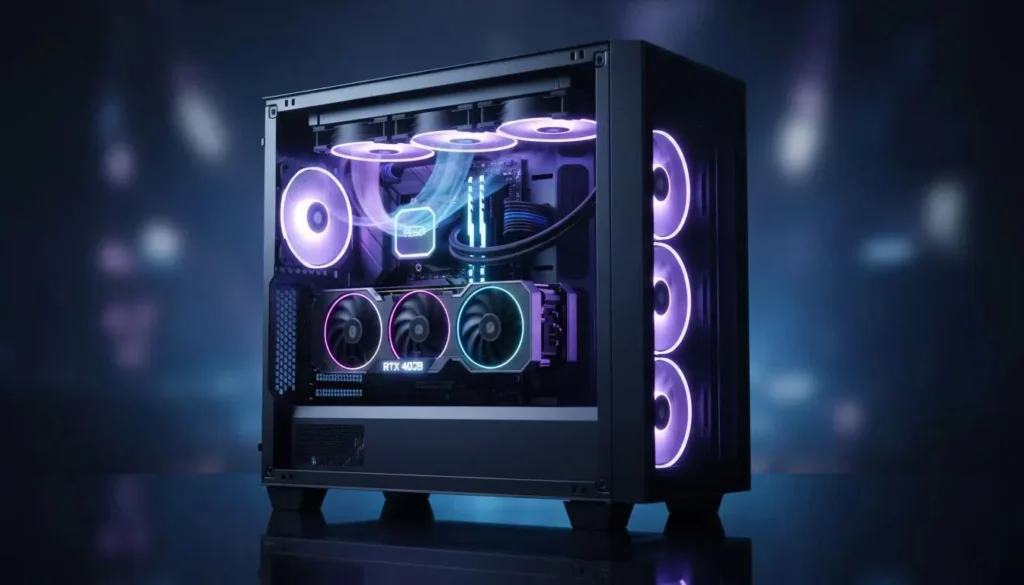
Gaming PCs are built for performance, but over time, dust and heat can seriously affect how your system runs.
Many gamers notice problems like:
- Higher temperatures
- Loud fan noise
- FPS drops
- Random crashes
- Slower performance
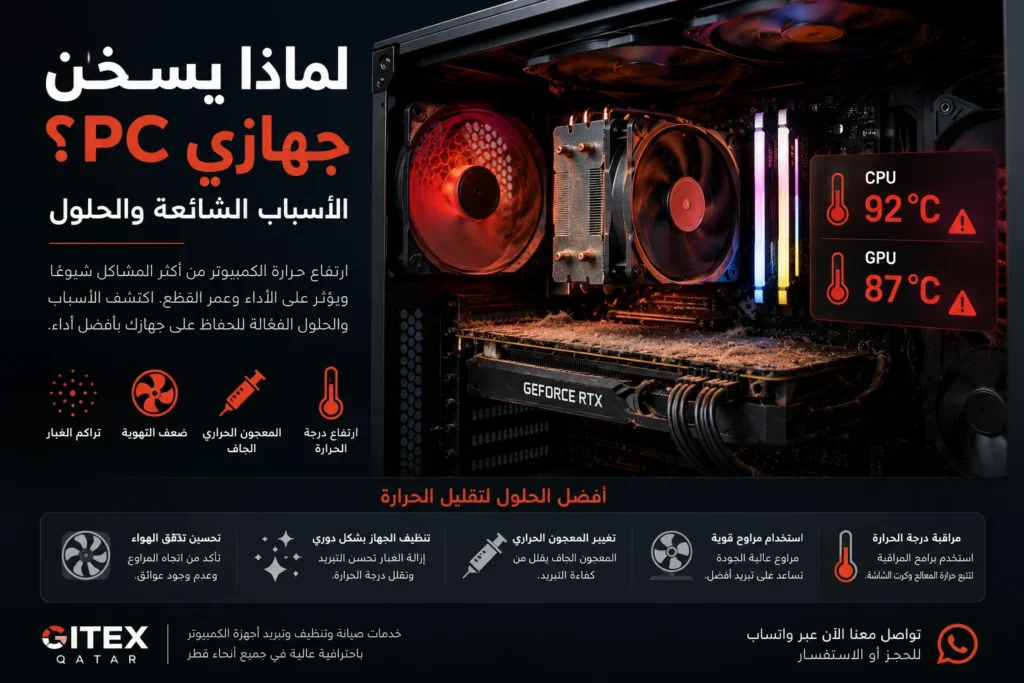
In most cases, the issue is not outdated hardware — it’s dust buildup and poor cooling.
In Qatar, gaming PCs collect dust faster because of the environment and constant air conditioning usage. That’s why deep cleaning your PC regularly is one of the best ways to protect your investment and maintain maximum performance.
Why Dust Is Dangerous for Gaming PCs
Gaming PCs pull a large amount of air through the case to cool components like:
- CPU
- GPU
- Power Supply
- Liquid Coolers
- SSDs and VRMs
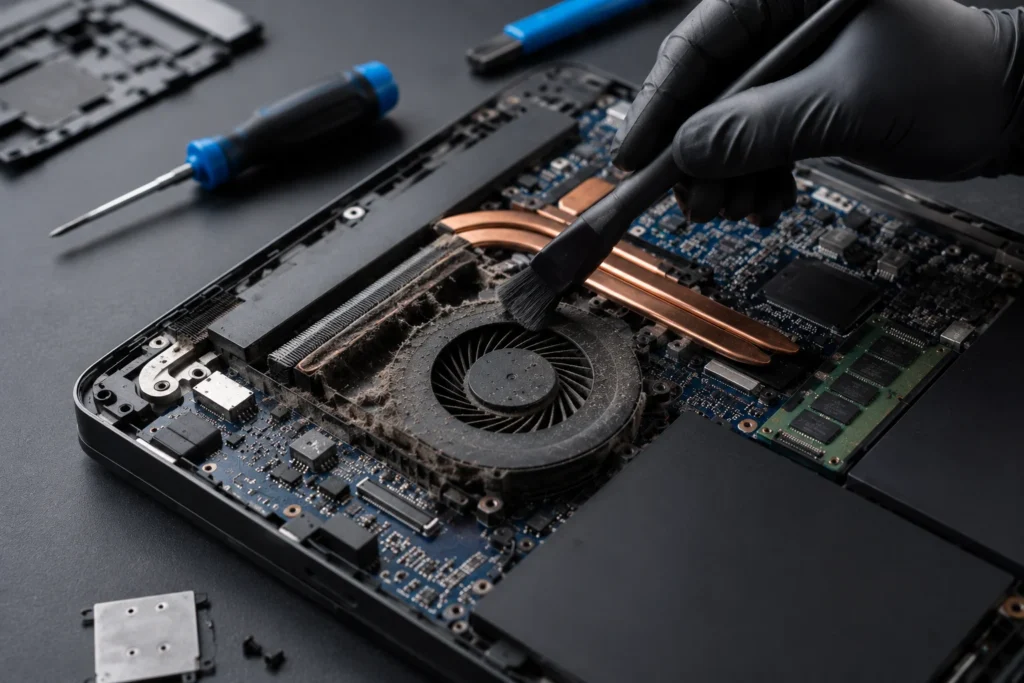
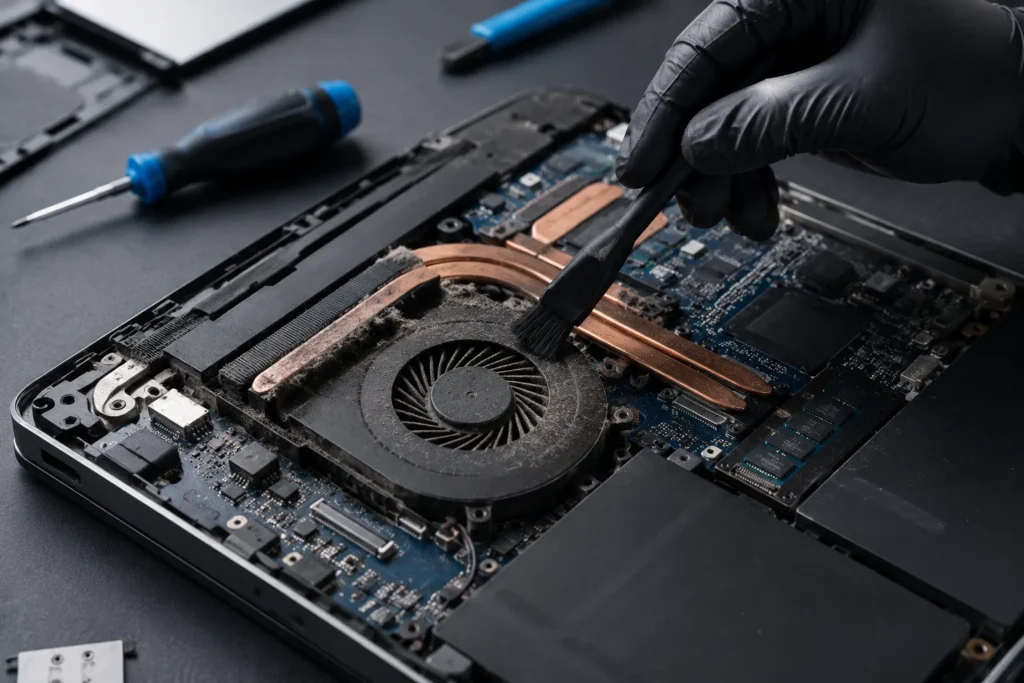
Over time, dust accumulates inside:
- Cooling fans
- Radiators
- Air filters
- GPU heatsinks
- CPU coolers
This blocks airflow and traps heat inside the system.
As temperatures rise, your PC starts reducing performance automatically to protect internal components.
Signs Your Gaming PC Needs Deep Cleaning
1. High CPU or GPU Temperatures
If your temperatures suddenly become higher than normal during gaming, dust may already be restricting airflow.
Common signs include:
- CPU overheating
- GPU temperatures above normal
- Hot air trapped inside the case
2. Loud Fan Noise
When dust blocks airflow, fans spin faster to compensate.
This usually causes:
- Constant loud fan noise
- Fans running at maximum speed
- Vibrations or rattling sounds
3. FPS Drops While Gaming
Overheating can reduce gaming performance dramatically.
You may notice:
- FPS drops
- Stuttering
- Lag spikes
- Reduced performance in demanding games
This happens because the CPU or GPU lowers speed automatically to reduce heat.
4. Excessive Dust Inside the Case
If you can visibly see dust around:
- Fans
- GPU
- Glass panels
- Filters
- Radiators
Then the inside of the system is likely much worse.
5. Random Shutdowns or Crashes
Extreme temperatures can cause:
- System crashes
- Sudden restarts
- Blue screens
- Shutdowns during gaming
Ignoring these signs may eventually damage expensive hardware.
Benefits of Deep Cleaning a Gaming PC
Professional deep cleaning can significantly improve system performance.
Lower Temperatures
Removing dust restores proper airflow and cooling efficiency.
Better Gaming Performance
Lower temperatures help the CPU and GPU maintain maximum boost speeds for stable FPS.
Quieter System
Clean fans operate more efficiently and produce less noise.
Longer Hardware Lifespan
Heat is one of the biggest enemies of PC hardware.
Regular cleaning helps protect:
- Graphics cards
- Processors
- Motherboards
- Power supplies
- SSDs
Improved Airflow
Deep cleaning removes airflow restrictions and improves cooling throughout the case.
What Is Included in Professional Deep PC Cleaning?
At a professional repair center, deep cleaning usually includes:
- Full internal dust removal
- Fan cleaning
- GPU cleaning
- Radiator cleaning
- Cable management inspection
- Airflow optimization
- Thermal paste replacement if needed
- Cooling system diagnostics
For gaming PCs, proper cleaning requires attention to delicate components and cooling systems.
How Often Should You Clean Your Gaming PC?
Recommended Cleaning Schedule
Every 3–6 Months
Recommended for:
- Heavy gamers
- High-end gaming PCs
- Dusty environments
- PCs running daily for long hours
Every 6–12 Months
Recommended for:
- Moderate users
- Cleaner indoor environments
In Qatar, deep cleaning every few months is highly recommended due to dust and climate conditions.
Can You Deep Clean a Gaming PC Yourself?
Basic dust cleaning is possible for experienced users.
However, improper cleaning can damage sensitive components such as:
- GPU fans
- Motherboard connectors
- Liquid cooling systems
- RGB controllers
Using the wrong tools or too much pressure may cause permanent damage.
Professional cleaning is safer for expensive gaming setups.
Gaming PC Cleaning Services in Qatar
At Gitex Qatar, we provide professional gaming PC cleaning and cooling services including:
- Deep internal PC cleaning
- CPU and GPU thermal paste replacement
- Fan cleaning and replacement
- Airflow optimization
- Gaming PC diagnostics
- Overheating repair
- RGB and liquid cooling inspection
With fast support and professional service across Qatar.
Frequently Asked Questions
Does deep cleaning improve FPS?
Yes. Lower temperatures help your CPU and GPU maintain better gaming performance.
Can dust damage gaming PC components?
Yes. Excessive dust increases heat and may shorten hardware lifespan.
How long does deep PC cleaning take?
Most gaming PC cleaning services can be completed within the same day.
Is thermal paste replacement necessary?
For older gaming PCs or systems with high temperatures, replacing thermal paste is highly recommended.
Contact Us
If your gaming PC is overheating, noisy, or losing performance, contact Gitex Qatar for professional deep cleaning and cooling services in Qatar.
Visit our website:
Gitex Qatar