 66261231
How to fix laptop overheating
Why Does a Laptop Overheat Quickly? Causes and Solutions
If you’ve noticed your laptop getting unusually hot during use, or the fans running loudly all the time, you’re not alone. Laptop overheating is one of the most common issues, especially in Qatar due to high temperatures and long daily usage.
Overheating doesn’t just slow down performance — over time, it can damage the battery, storage drive, or even the motherboard. That’s why it’s important to identify the real cause before the problem gets worse.
In this article, we’ll explain the most common reasons laptops overheat, how to fix the issue, and when you should seek professional repair services.
What Is a Normal Laptop Temperature?
It’s normal for a laptop to heat up during:
- Gaming
- Video editing and design software
- Long working hours
- Battery charging
However, if you notice:
- Excessive heat underneath the device
- Sudden slowdowns
- Random shutdowns
- Loud fan noise
- Frequent freezing
Then there is likely a cooling issue that needs attention.
Common Causes of Laptop Overheating
1. Dust Build-Up Inside the Laptop
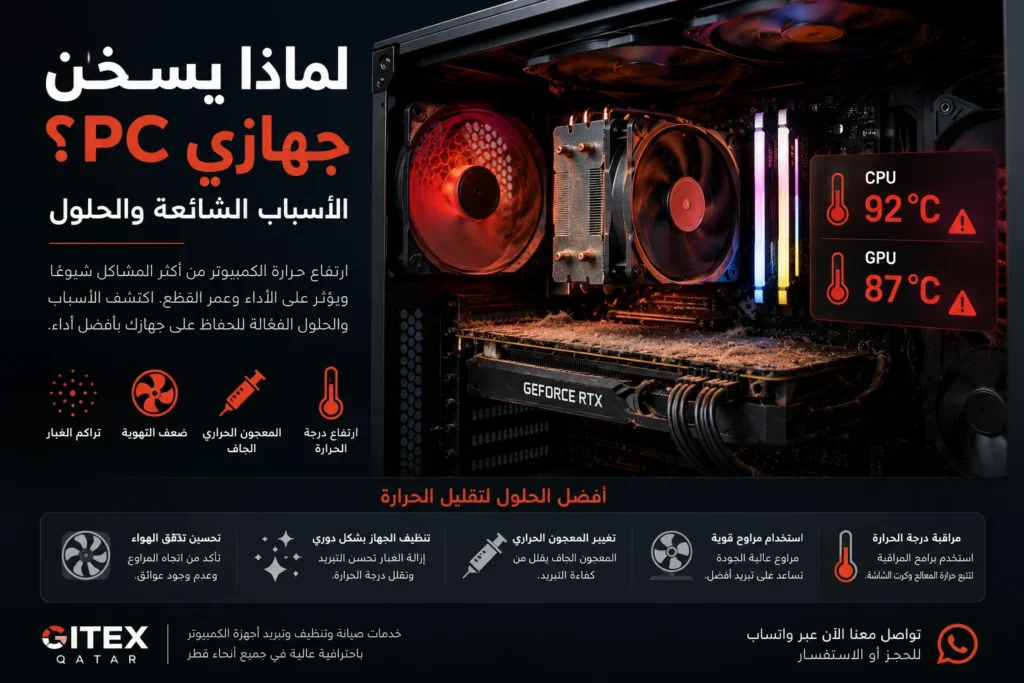
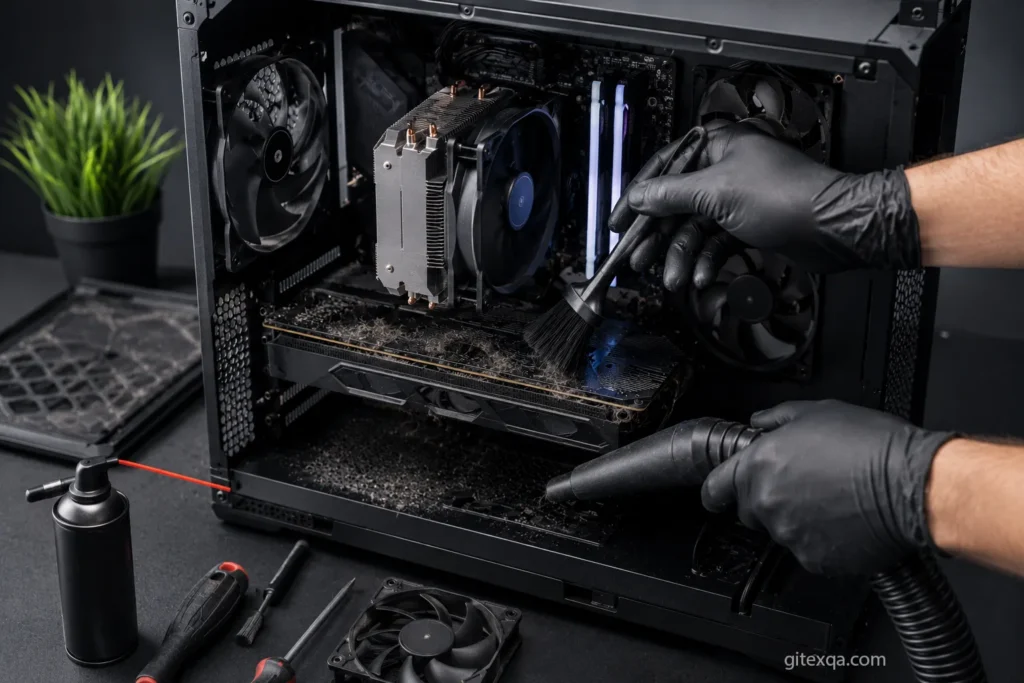
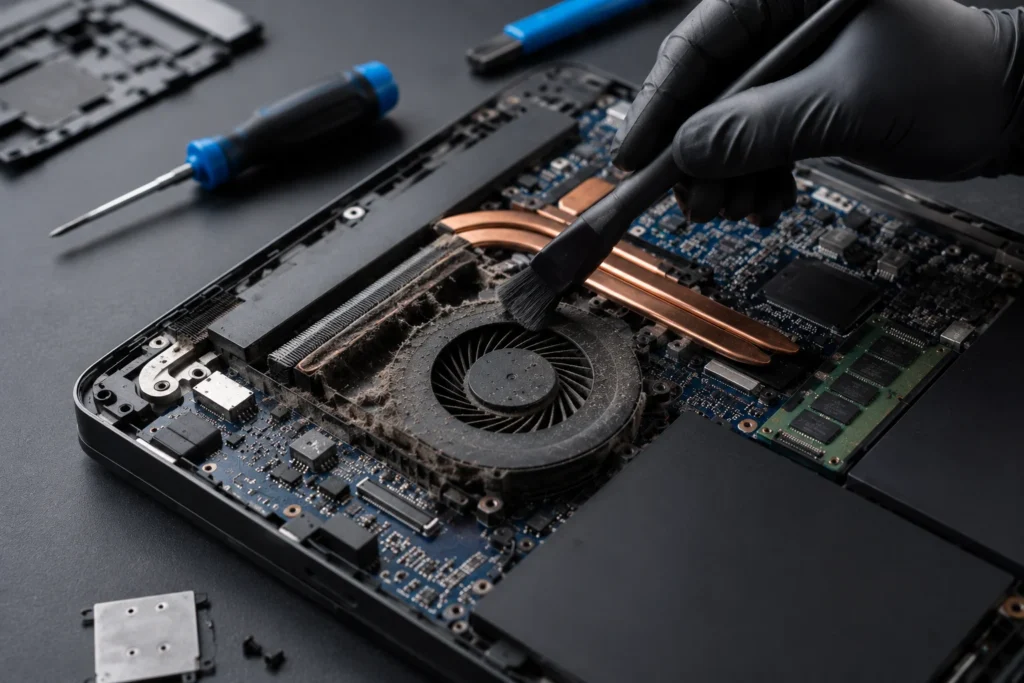
Dust is the most common reason laptops overheat.
Over time, dust accumulates inside the cooling system and blocks airflow, preventing hot air from escaping properly.
This issue is especially common in Qatar because of dust and environmental conditions, particularly when laptops are used in:
- Open offices
- Cars
- Carpeted areas
- Near windows
Signs of Dust Build-Up
- Loud fan noise
- High temperatures even during light usage
- Sudden lag
- Fans stopping intermittently
Solution
Professional internal cleaning of the cooling fans and heatsink, along with thermal paste replacement if necessary.
2. Faulty or Weak Cooling Fan
The cooling fan is responsible for reducing CPU heat and pushing hot air out of the laptop.
If the fan is:
- Running slowly
- Making clicking noises
- Stopping randomly
- Not spinning efficiently
Then the laptop will overheat very quickly.
Solution
Inspect, clean, or replace the fan if needed.
3. Dried Thermal Paste
Thermal paste helps transfer heat from the processor to the cooling system.
Over time, especially in hot climates, the thermal paste dries out and loses efficiency, causing:
- High CPU temperatures
- Slow performance
- Random freezing
When Should It Be Replaced?
Usually every 1–2 years depending on usage.
4. Heavy Software and Gaming Usage
Gaming, video editing, design software, and engineering applications place significant stress on the CPU and GPU.
If the laptop:
- Has poor cooling
- Is filled with dust
- Is placed on surfaces that block ventilation
Then temperatures can rise rapidly.
Important Tips
- Use a cooling pad
- Avoid placing the laptop on beds or pillows
- Close unnecessary background programs
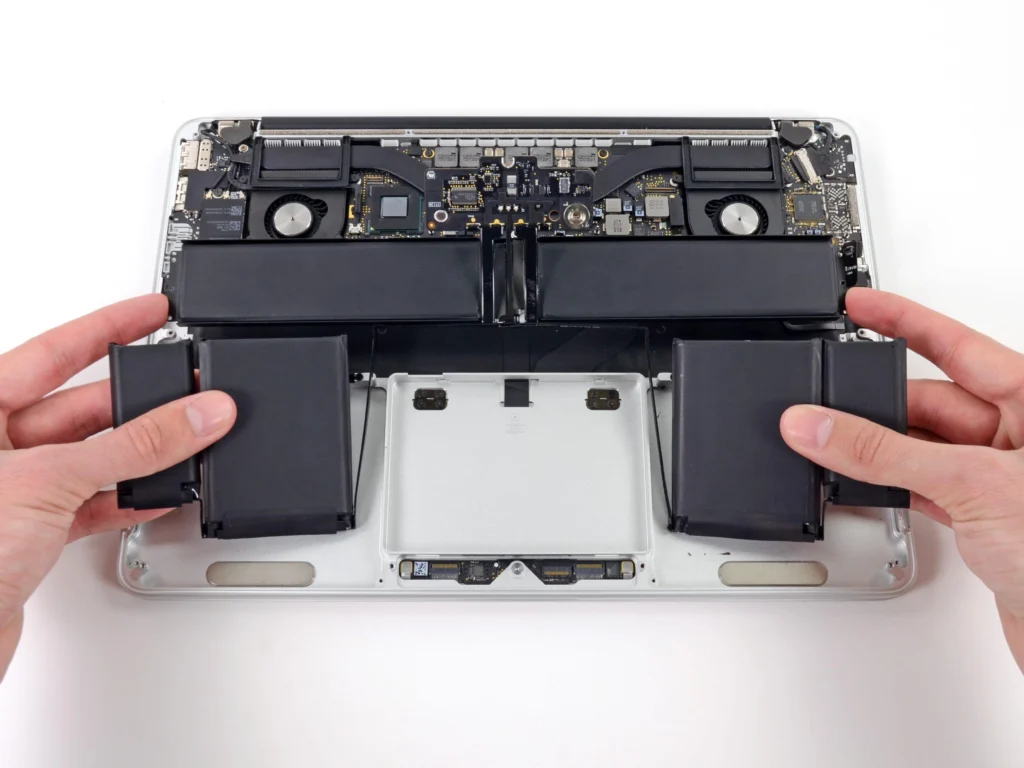
5. Battery or Charger Problems
Sometimes overheating is caused by:
- A damaged battery
- A non-original charger
- Charging circuit issues
These situations require professional inspection to prevent further damage.
Does Laptop Cleaning Really Improve Performance?
Yes — significantly.
Many customers notice after internal cleaning:
- Lower temperatures
- Faster performance
- Quieter fans
- Reduced lag
- Better gaming and software performance
In some cases, the laptop feels almost brand new again.
When Do You Need Professional Repair?
You should visit a repair center if you notice:
- Extremely high temperatures
- Sudden shutdowns
- Fans not working
- Severe lagging
- Blue screen errors
- Overheating even during light usage
Ignoring the issue may eventually damage the processor or motherboard, making repairs much more expensive.
How to Keep Your Laptop Cool
Important Tips
- Clean the laptop regularly
- Do not block ventilation openings
- Use an original charger
- Keep drivers and system updated
- Use a cooling pad during heavy usage
- Avoid using the laptop in extremely hot environments
Laptop Repair Services in Qatar
At Gitex Qatar, we provide:
- Professional internal cleaning
- Thermal paste replacement
- Overheating repairs
- Laptop fan replacement
- MacBook repair
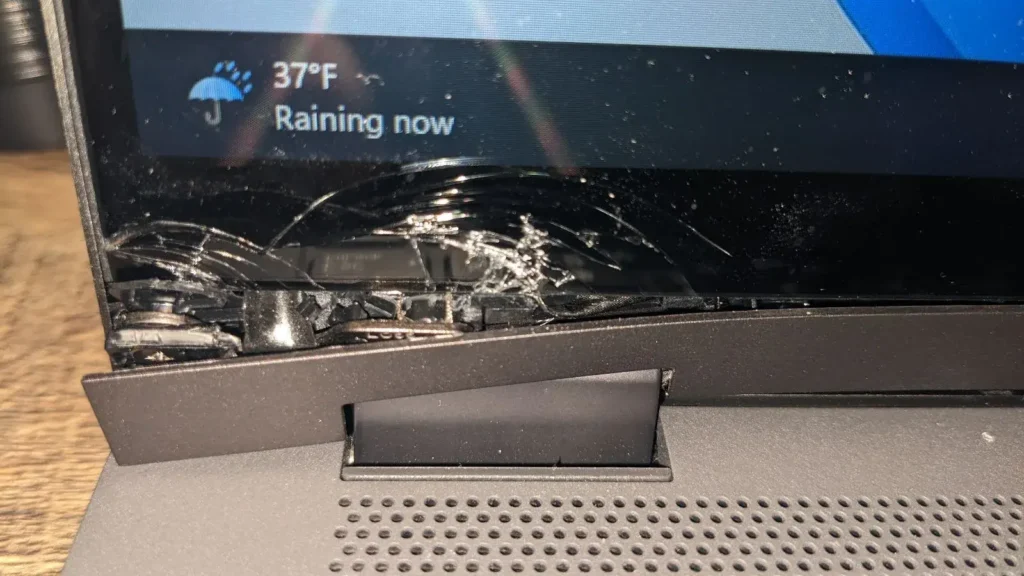
- Laptop screen replacement
- Fast device diagnostics
With WhatsApp support and quick repair services across Qatar.
Frequently Asked Questions
Is laptop overheating normal during gaming?
Yes, to a certain extent. But if overheating is accompanied by freezing or sudden shutdowns, there is likely a cooling problem.
How often should a laptop be cleaned internally?
Every 6–12 months depending on usage and environment.
Is laptop cleaning risky?
Improper cleaning can cause damage, so it’s best done by professional technicians.
Is thermal paste replacement important?
Yes. It helps lower CPU temperatures and improve overall performance.
Contact Us
If your laptop is overheating or running slowly, contact us on WhatsApp for a fast inspection and professional repair service in Qatar.
Whatsapp : 66261231
You can also visit our website:
Gitex Qatar